Reaction Time in Snow Rider 3D
A browser click test measures how quickly you respond to one cue. On the slope, the useful skill is picking the right cue early enough to act before the route closes.
👀 Where the available time goes
An opening or hazard enters the part of the view you are watching.
You decide whether to steer, jump or keep the line.
The browser and game receive the key press.
The change appears on your screen.
🎯 Move the decision earlier
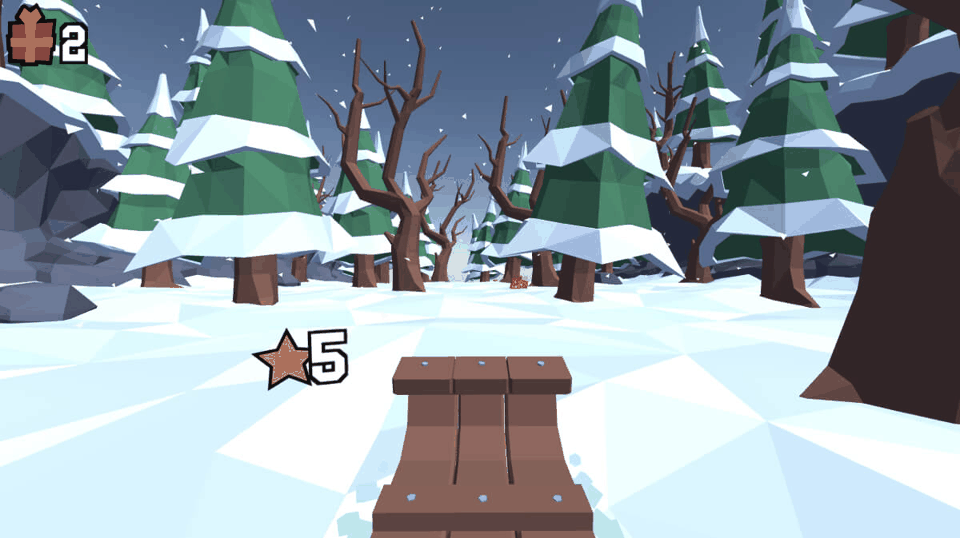
If you watch only the snow immediately in front of the sled, every obstacle arrives as an emergency. Looking farther up the course lets you choose before the movement is urgent. Keep the lower view in your awareness, but do not let it consume all your attention.
Reduce the number of competing decisions too. A collecting attempt adds “can I reach that present?” to each route question. During attention practice, leave awkward gifts alone and focus on reading a usable passage. You can reintroduce collecting once that passage is easier to recognise.
💻 When the device changes the feeling
| What you see | What to check |
|---|---|
| Movement stutters while the game continues | Performance load, device temperature and other busy tabs. |
| The animation is smooth but a key does nothing | Whether the player has keyboard focus. |
| The same approach feels different on a larger display | Visual scale, viewing distance and the size of the player. |
| Only the first load is slow | Download and startup time rather than reactions during a run. |
🧠 Practise recognition, not panic
Choose one hazard type and learn what useful space around it looks like. A familiar shape takes less attention to interpret than an entire busy scene. Then connect that opening to the next exit. The goal is a clearer decision, not a faster guess.
If your hands tense up and every correction becomes larger, pause the drill. Return with a single target such as “find the next opening before moving.” The performance guide covers technical delays; route planning covers decisions that begin too late.