Snow Rider 3D Unblocked
Press Play for a downhill run in Snow Rider 3D Unblocked. The sled moves on its own. You pick the line, time the jumps and decide which gifts are worth a detour.
Press Play to load · Keyboard recommended
The game loads when you press Play. Loading help ↗
More Similar Games
Compare the controls →
🛷 What is Snow Rider 3D?
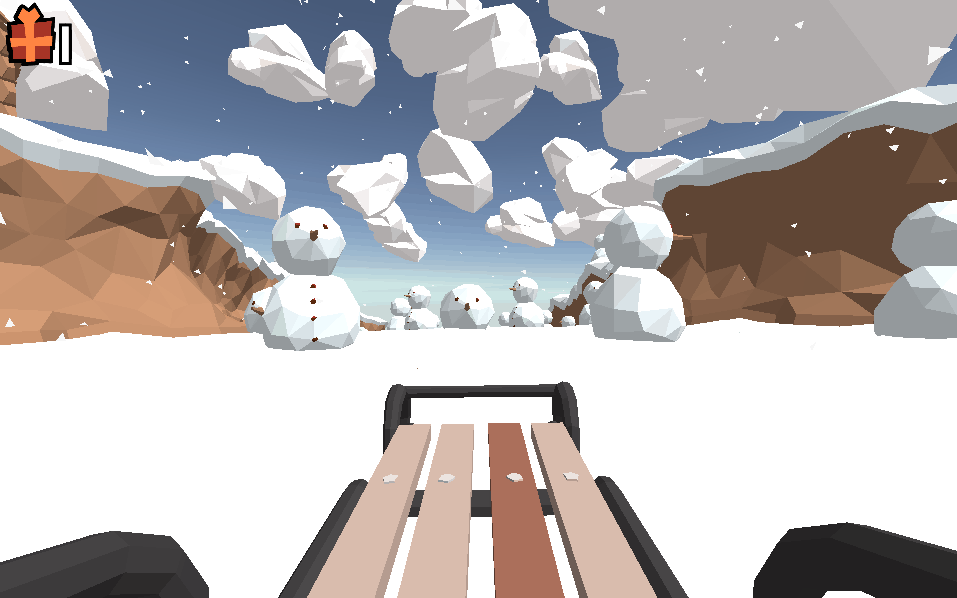
Snow Rider 3D sends you downhill as soon as the run begins. The sled moves forward on its own, so your job is to steer around trees, rocks and snowmen, watch for rolling snowballs, and jump when the ground drops away. A collision or a missed landing ends the run.
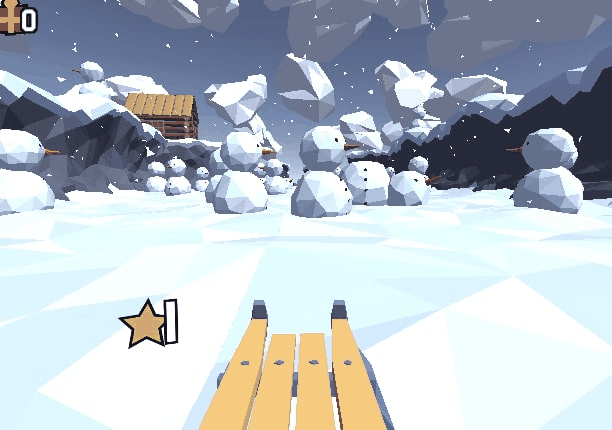
The front of the sled is your reference point. If it is already aimed through a gap between two snowmen, look one obstacle farther ahead. The quickest way through the first pair can leave you on the wrong side of the next one.
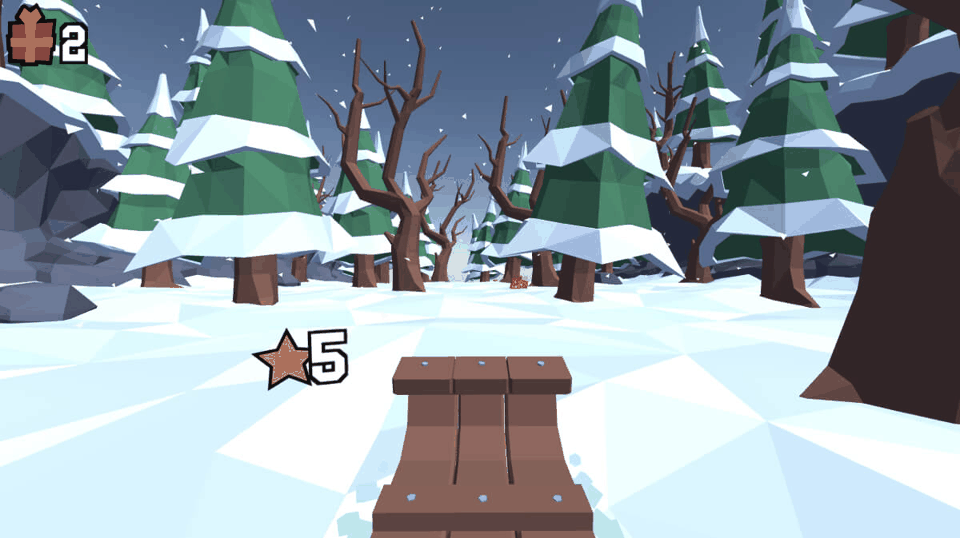
Look for the two counters in the gameplay image. The gift icon tracks presents, and the star shows your run score. When you visit the sled shop, check the gift balance there to see what you can afford.
⌨️ Start the game and learn the controls
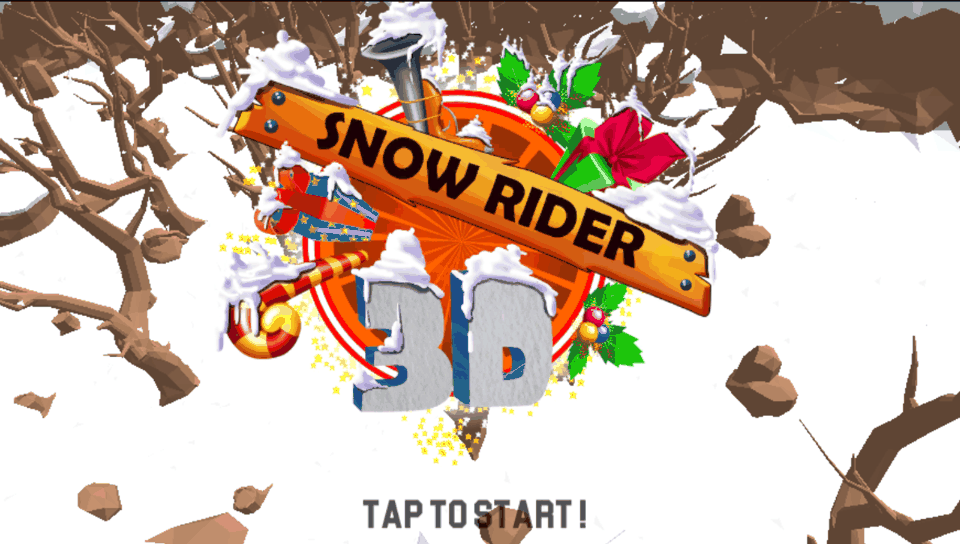
Press Play to open the game window. Once the title screen appears, follow its start prompt. Click inside the window if the keys still scroll the page.
| Action | Keyboard / button | Use it for |
|---|---|---|
| Steer left | ← or A | Move toward an opening on the left. |
| Steer right | → or D | Move toward an opening on the right. |
| Jump | ↑ or W | Take off after lining up a usable landing. |
| Full screen | Full screen below the player | Expand the view. Use the on-screen exit control or Escape to return. |
Try one short steering tap while the slope is clear. It gives you a feel for how far the sled moves before you have to thread a gap. The full controls guide covers input focus and binding checks; the full screen guide covers display behaviour.
🎁 A longer run or another sled?
When you are chasing a score
On a score run, take the opening that leaves room for your next move. If the wide route takes you past a gift you could just squeeze in for, let it go. You can make a gift run later.
Compare your scores in the same player. If you are comparing with a run someone else posted, check how their score was counted. The world-record guide explains what a record claim needs to show.
When you are collecting gifts
Check the shop before you go. If you are one gift short of the sled you want, take the first clean pickup and skip the awkward ones. The price and your balance tell you how many you still need.
After buying a sled, check the active selection in the shop. The model you buy and the model you start the next run with can be separate choices. See sleds and unlocks for the shop checks.
🌲 Three moments worth recognising
The present beside a tree
You are already lined up to pass the tree, then notice a gift close to its trunk. Reaching back for it also removes the space you left around the obstacle. Keep the original line if the pickup would force that late correction.
The snowball beside a narrow opening
Check which way the ball is moving. A passage that is open in one glance can be closing as you arrive. Compare it with a wider route before committing; do not use the ball’s current position as if it were a stationary rock.
The obstacle after the gap
The near edge makes you think about takeoff. Look at the far side too: a jump can clear the gap and still place the sled in front of a snowman. Choose the landing before deciding that jumping solves the approach.
🎯 Make the next restart useful
When a run ends, think back to the last input. If you cleared the tree and then drifted into the next obstacle, try releasing the arrow key as soon as the sled lines up with the opening.
A late detour, an overlong steering press or a landing you did not check.
Skip that kind of pickup, release earlier or inspect the far side.
Keep the other habits steady so you can tell whether the change helped.
A longer run might just have given you more room. On the next few attempts, pay attention to whether the same mistake is happening less often. The practice plan helps keep that comparison manageable.
🧭 Take the guide that fits your next run
Get from the start screen to a first run without guessing the keys.
One hazard keeps catching you?Look up the obstacle that ended your last run.
Working on your personal best?Choose a survival plan for your next score attempt.
Still waiting for the game?Identify a blank player, a stalled load or a graphics error.
❄️ Downloads, devices and saved gifts
Do I need a Snow Rider 3D download?
No installer is needed for this browser player. Load the game with Play and follow its start prompt. Saving this webpage does not make a complete offline copy; the download guide explains the difference.
Can I play on a phone or Chromebook?
A keyboard is the simplest starting point. On a phone, check that the loaded game provides usable steering and jump controls before beginning a serious run. See the mobile check or Chromebook setup for your device.
Why does the game load but ignore the arrow keys?
The browser may still be focusing this page. Click inside the active game, then test one direction. If that does not help, use the keyboard checklist rather than repeatedly restarting a working player.
What does Snow Rider 3D unblocked mean?
Here, it means you can open the browser player from this page. A managed device or network can still restrict access. The access guide separates that situation from a loading error.
Will my gifts and selected sled follow me to another device?
Do not assume they will. Another browser, profile or device can have separate game storage. Check the save-progress guide before clearing data or leaving the browser where your collection is available.
📸 Snow Rider 3D gameplay screenshots