The name
“Classroom 6x Snow Rider 3D” points toward a game page or collection associated with that label. It is useful as navigation context, not as proof of different sled physics.
Classroom 6x is part of the name on some Snow Rider 3D listings. When comparing two of them, test the same turn and look at the in-game counters before treating them as different editions.
“Classroom 6x Snow Rider 3D” points toward a game page or collection associated with that label. It is useful as navigation context, not as proof of different sled physics.
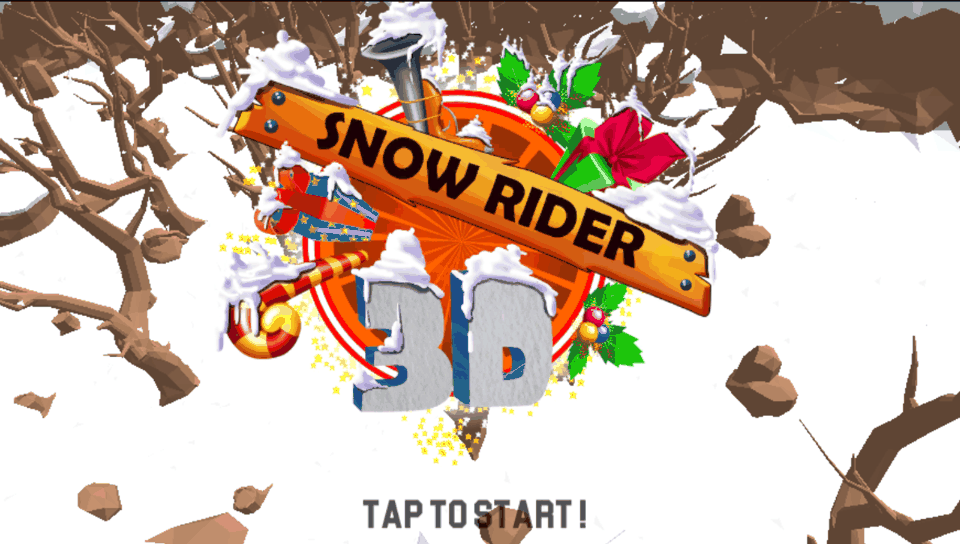
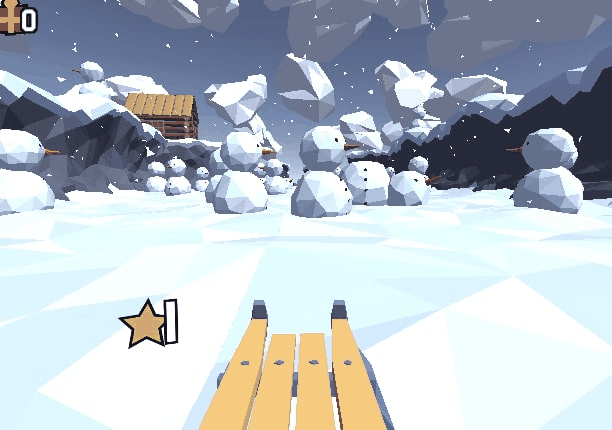
The loaded start screen and controls identify the playable build more reliably than the page’s branding. Compare what the game actually shows before comparing results.
A classroom-oriented title does not override device management or network filtering. Play only in an approved context where the game is allowed.
“Snow Rider 3D unblocked games Classroom 6x” and “Snow Rider 3D unblocked 76 Classroom 6x” combine several portal labels in one query. More words do not establish a special edition. They usually express a wish to find a browser player that is easy to open.
Likewise, “Snow Rider 3D unblocked 6x” is not evidence of a sixth game mode. Before accepting claims about exclusive features, inspect the loaded menu, input instructions and scoring display. The version-name reference compares the number labels directly.
| Check | Question to answer |
|---|---|
| Permission | Does this device and connection allow browser games? |
| Startup | Does Play reach a usable game screen or an explicit restriction? |
| Input | Do the steering and jump inputs work inside a real attempt? |
| Continuity | Does the same page retain the state you expect after an ordinary reload? |
A game collection may provide navigation, a fullscreen button or its own instructions. Those controls belong to the page around the game and can change independently of the sledding build.
Two pages can use the same title while loading different files. Touch support, menus and save behaviour are better clues than a classroom label when you need to compare them.
Use the homepage for the game and the Chromebook guide for practical keyboard and device checks. This page explains the classroom terminology; it does not claim to be a school-approved portal or a way around restrictions.
If a permitted setup shows a blank or stalled player, follow the loading diagnosis. If it runs but ignores keys, go straight to the input checklist. That route is more useful than repeating the same search with another classroom number.