Play has not been pressed
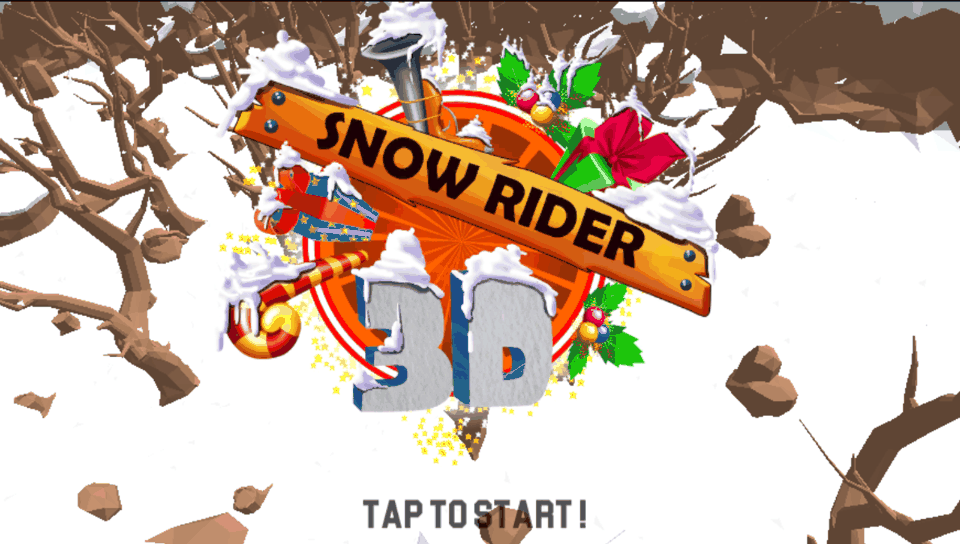
The poster is intentional. This site waits for your click before connecting the game player. Press Play on the homepage, then allow time for the game to initialise.
Start with the last thing you saw after Play: a blank frame, a stalled loading bar or a graphics error. That clue narrows the fix before you risk changing saved game data.
The poster is intentional. This site waits for your click before connecting the game player. Press Play on the homepage, then allow time for the game to initialise.
Check the visible status and connection. The frame can open before its game resources are ready. If an error appears, read its wording before refreshing.
A slow connection or failed resource can stall startup. Try one ordinary reload when no run is active, then compare the same page on a stable permitted connection.
A WebGL or required-graphics-API message points to the browser and device environment. Use the compatibility guide rather than assuming another click will repair it.
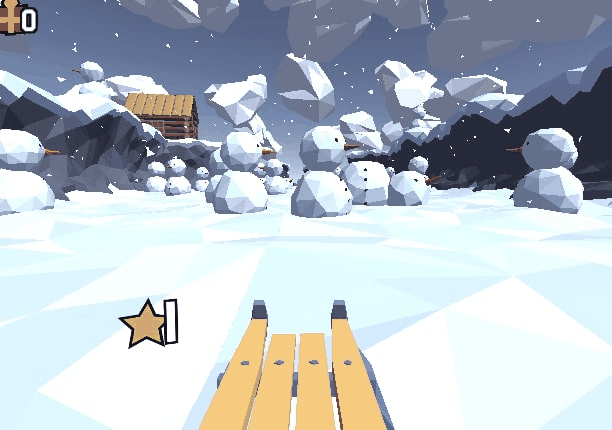
Return to the homepage player and check whether the poster, frame or game menu is visible. These are three different stages.
Distinguish a failed connection, a network policy and a graphics error. A specific message is better evidence than a guess based on a black rectangle.
An unfinished run will restart. If the same failure returns, record the symptom and move to the relevant branch rather than refreshing repeatedly.
Use another supported browser or permitted device with the same game page. Keep the connection and other changes as consistent as practical.
Write down what happened after Play and copy the exact error if one appeared. “The title screen appeared, then went black” gives you a more useful starting point than “the game broke.”
Leave browser data in place while you test the player. Clearing it can remove a gift balance or selected sled. Check what the browser can retain before trying a reset.