Snow Rider 3D Browser Compatibility
A readable page tells you the browser can display the guide. The next checks happen inside the player: can it render the course, receive a steering input and keep running?
🧩 Four layers to check
Can the guide and Play button display normally?
Does the chosen game open and finish its initial load?
Can the browser create the graphics context this build needs?
Can you start, steer and jump in a real attempt?
💻 What the browser label tells you
| Setup | Reasonable starting expectation | Still needs checking |
|---|---|---|
| Chrome or Edge desktop | Modern browser features are generally available. | Device graphics, policies, extensions and actual input. |
| Firefox desktop | Modern game APIs can be available. | Graphics support and the embedded game’s storage behaviour. |
| Safari on a computer | Browser play may work on supported hardware. | The particular game build and display controls. |
| Phone or tablet browser | The page can remain readable and responsive. | Touch controls, memory, graphics and mobile full screen limits. |
| Managed browser | The guide may load even if the game does not. | Network and administrator rules. |

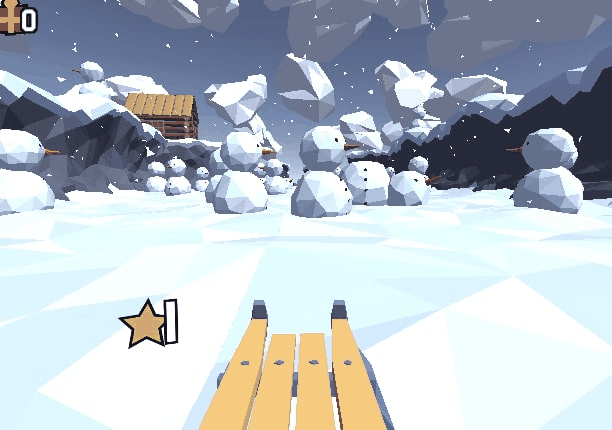
🎨 Web graphics need more than JavaScript
A 3D browser game can require WebGL, which uses graphics capabilities exposed by the browser and device. A page may display normally while the game reports that no required graphics API is available. In that case, refreshing the text or changing the player size will not create the missing capability.
Use normal browser and system updates, and read the exact error message. If the environment does not support the game, test on another suitable device you are allowed to use. Do not treat a graphics failure as evidence that the game needs an unrelated plugin or installer.
🧪 Make the first test small
Open one player, let it reach a usable start screen and test the required inputs. Only then compare full screen and saved progress. Testing everything at once makes it harder to know which layer failed.
If the game worked before, consider what changed: browser profile, device, display, network or game source. A single controlled comparison is more useful than clearing all data and changing several settings together. The loading guide follows that order.