Snow Rider 3D Hooda Math Guide
If you are comparing Hooda Math with another Snow Rider 3D player, start with the movement and shop shown inside the game. A menu around the player can change without changing the downhill run.
🎮 Hooda Math Snow Rider 3D: game versus page
| Part of the experience | What to inspect | Why the distinction matters |
|---|---|---|
| Downhill game | The start screen, steering, jump and gift shop | These tell you which build is actually running. |
| Surrounding page | Navigation, instructional text and site controls | These can differ even when the visible game looks familiar. |
| Progress feature | Where a balance, account or result is shown | A host feature may not transfer to another player context. |
| Display control | The toolbar or game’s own full screen button | A similar label can control a different page element. |
⌨️ Check the loaded instructions first
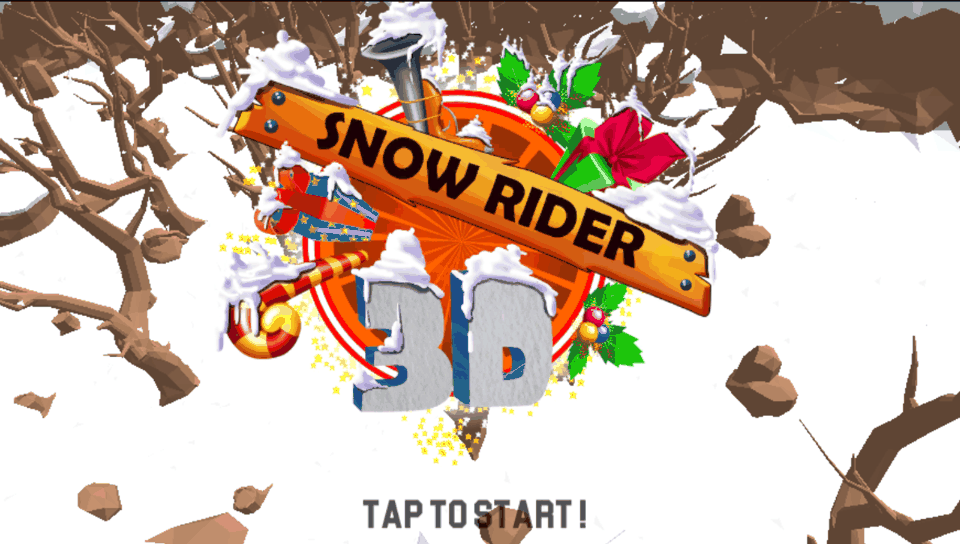
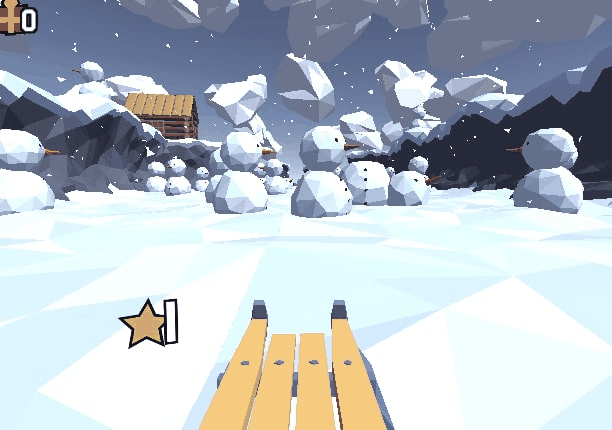
The Snow Rider 3D Hooda Math game page describes a downhill sled challenge with left/right movement, jumping and gift collecting. For a practical first attempt, test the arrow-key layout and follow the loaded game’s own start prompt. Do not assume every extra action mentioned in an article exists in the player.
This matters because republished descriptions sometimes mix mechanics from other games or builds. A claimed trick, bonus or alternate binding needs support from the actual game. The controls guide gives a restrained starting point instead of an ever-growing list of untested keys.
🔎 Read a search title as a title
You may arrive through wording such as “Snow Rider 3D 🕹 play Snow Rider 3D at HoodaMath.” The controller symbol and host name identify the search result’s presentation; they are not extra modes or unlocks. A title alone also cannot guarantee that your network permits the player.
The phrases “Snow Rider 3D unblocked on Hooda Math” and “Snow Rider 3D unblocked Hooda Math” express the same access intent. Check the live page and the connection rules rather than inferring access from the word unblocked. This fan guide does not represent a Hooda Math account or support service.
💾 Be careful with cross-page comparisons
A score comparison
Keep the game build and counter label consistent. A surrounding account result and a number inside the game may describe different things. The record guide explains what a complete comparison needs.
A saved collection
Use the same browser profile and player context when checking gifts or sleds. A new embedding context can have different storage visibility even if the game source looks familiar.